
Top 10 AI Tools Every Frontend Developer Should Know (2026 Guide)
From design-to-code generators to agentic IDEs, here's what's worth your attention — and what's changed since last year.

Frontend development in 2026 doesn't look like it did two years ago. Design and code used to be two separate jobs handed off through Figma files and export specs. Now a growing set of tools let you describe a screen in plain language and get something close to production code back — sometimes with the visual canvas and the code being the exact same artifact.
That doesn't mean every tool in this space is equally good, equally priced, or equally stable. 2026 has also been a year of consolidation: acquisitions, rebrands, and pricing model changes that make a lot of "best AI tools" lists from even six months ago outdated. Windsurf, for example, isn't called Windsurf anymore. Cursor moved to usage-based credits. GitHub Copilot dropped its premium-request system entirely.
This guide covers ten tools that frontend developers, designers, and product teams are actually using right now, with current pricing, what each tool is genuinely good at, and where it falls short. All pricing and feature claims are pulled from official pricing pages and independent reviews as of July 2026. Always double-check a vendor's own pricing page before subscribing — these tools change plans often.
Quick Comparison
| Tool | Category | Free Tier | Starting Paid Price | Best For |
|---|---|---|---|---|
| Flowstep | AI design engineer / canvas-to-code | Yes | $15/month (Starter) | Multi-screen UI generation with Figma handoff |
| GitHub Copilot | Code completion + chat | Yes | $10/month (Pro) | Low-friction autocomplete inside existing editors |
| Figma Make | Design-to-code prototyping | Limited | Bundled into Figma plans | Teams already living in Figma |
| v0 by Vercel | Text-to-component generator | Yes ($5 credit) | $20/month | React/Next.js developers on Vercel |
| Cursor | AI-native IDE | Yes (Hobby) | $20/month (Pro) | Codebase-aware multi-file editing |
| Devin Desktop (formerly Windsurf) | Agentic IDE | Yes | $20/month (Pro) | Running local and cloud coding agents together |
| Claude Code | Terminal-based coding agent | No (needs Pro or API) | $20/month (bundled with Claude Pro) | Refactors, test generation, deep repo understanding |
| Bolt.new | Full-stack app generator | Yes (1M tokens/month) | $25/month (Pro) | Fast full-stack prototypes with live preview |
| Replit Agent | Cloud IDE with agentic building | Yes | Usage-based credits | Beginners and non-experts building end to end |
| FrontendAI | Screenshot/image-to-code | Varies | Varies | Converting existing designs into markup |
Prices change often in this category — several tools listed here changed their pricing structure at least once in the first half of 2026 alone. Treat the table as a starting point, not a locked-in quote.
1. Flowstep
Website: flowstep.ai
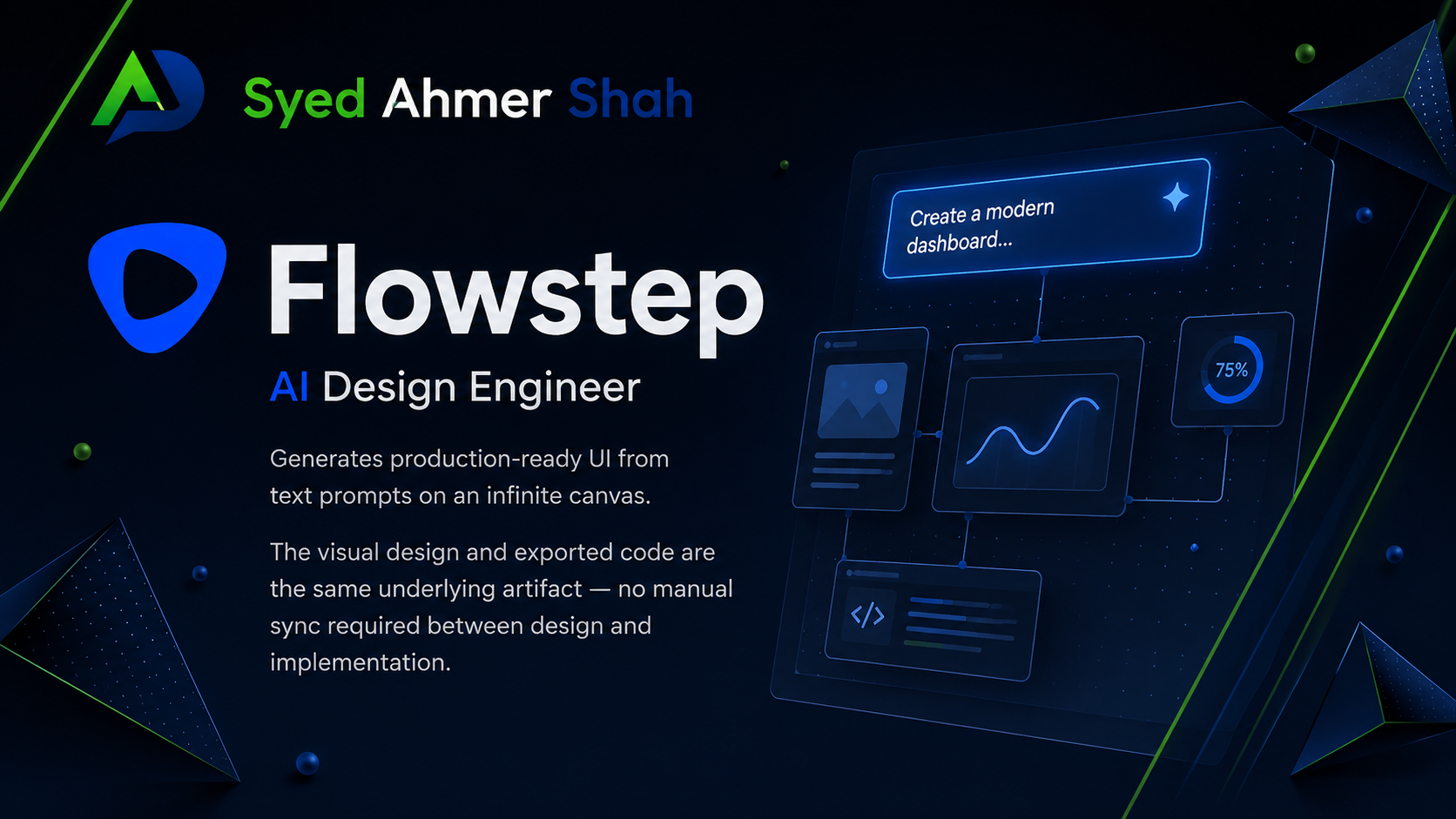
Flowstep is an AI design engineer that generates production-ready UI from text prompts on an infinite canvas. The core differentiator is that the visual design and exported code are the same underlying artifact — no manual sync required between design and implementation.
What it does
Generates multiple connected screens (login, dashboard, onboarding) from a single prompt rather than one screen at a time
Produces editable designs on an infinite canvas with real-time collaboration (live cursors, synced edits, inline feedback)
Accepts references — images, URLs, or a design-system markdown file — to anchor output to an existing brand
Exports React, TypeScript, and Tailwind CSS code alongside the visual design
Enables direct Figma integration: copy any design with ⌘C and paste directly into Figma with ⌘V (no plugin required)
Exposes an MCP server so it can be called from Cursor, Claude Code, or Devin Desktop as part of an agentic workflow
Supports manual and AI-assisted design editing for granular customization
Manual edits to generated designs don't consume message credits
Pricing (2026)
Flowstep uses message-based pricing — one prompt equals one message, regardless of complexity. Errors don't count toward your message limit.
| Plan | Price | Notes |
|---|---|---|
| Free | $0 | No credit card required, limited messages |
| Starter | $15/month | 80 messages/month |
| Growth | $29/month | 240 messages/month |
| Scale | $99/month | 1,000 messages/month |
| Enterprise | Custom | Governance and security controls |
Where it falls short
While message-based pricing is more predictable than token-based systems, heavy iterative workflows can burn through the lower tiers quickly. It's also designed as a rapid design and prototyping tool rather than a replacement for Figma's full feature set for complex, highly customized design systems — teams with strict component libraries will still do final polish there.
2. GitHub Copilot
Website: github.com/features/copilot
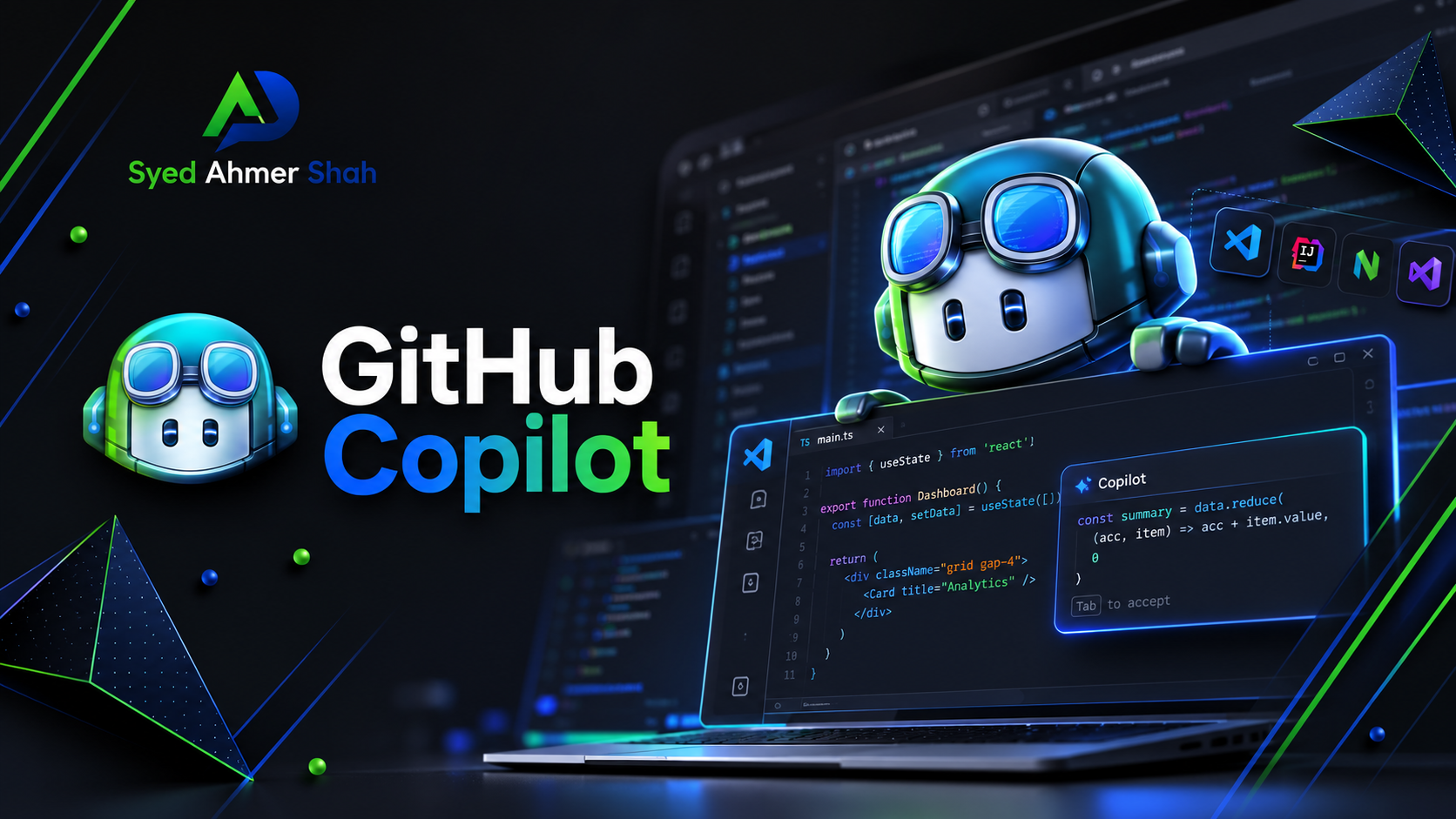
Copilot remains the most widely deployed AI coding assistant, mostly because it lives inside editors developers already use — VS Code, JetBrains, Neovim, Visual Studio — rather than asking anyone to switch tools.
What it does
Inline, context-aware code completions as you type
Copilot Chat for in-editor Q&A, explanations, and multi-file assistance
Agent mode for more autonomous multi-step tasks
Code review integrated into GitHub pull requests
Pricing (2026)
GitHub moved Copilot to usage-based billing on June 1, 2026, replacing the old "premium request" counting system with GitHub AI Credits, billed by token consumption. Code completions remain unlimited and free of charge on all paid plans; only chat, agent mode, and code review draw from the credit pool.
| Plan | Price | Notes |
|---|---|---|
| Free | $0 | 2,000 completions/month, limited chat and agent usage |
| Pro | $10/month | Includes ~$15 in monthly AI credits |
| Pro+ | $39/month | Includes ~$70 in monthly AI credits, broader model access |
| Business | $19/user/month | Org-wide policy control, IP indemnity |
| Enterprise | $39/user/month | Codebase indexing, native GitHub.com integration |
Where it falls short
Autocomplete-first tools like Copilot are less effective than agentic editors (Cursor, Devin Desktop) for large, intentional, cross-file changes. The June 2026 billing switch also means costs are less predictable than the old flat-fee model for teams running agent mode heavily.
3. Figma Make
Website: figma.com
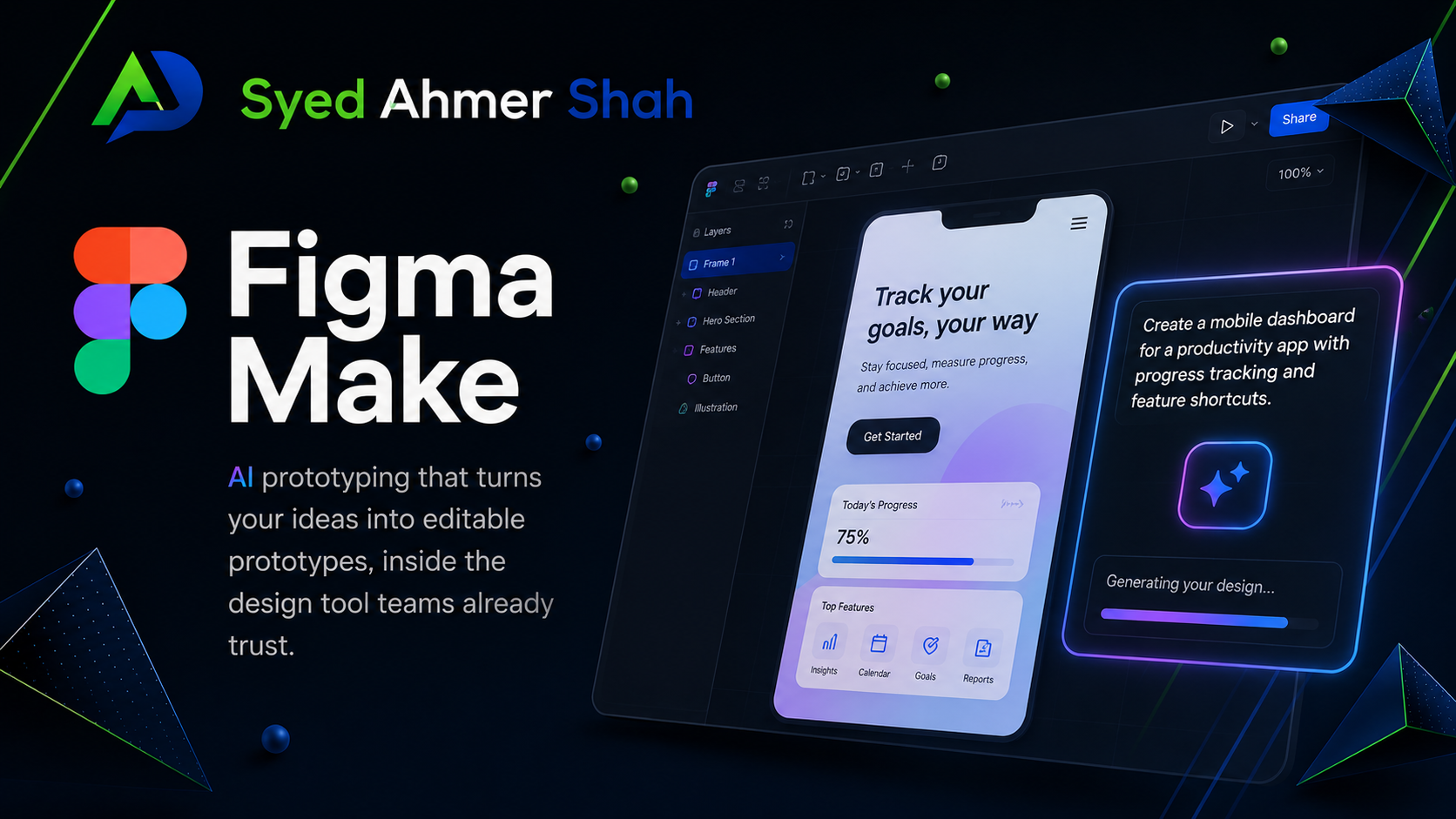
Figma's AI prototyping layer lets you describe a component or screen in natural language and get an editable prototype back, inside the design tool most product teams already treat as their source of truth.
What it does
Prompt-to-prototype generation inside existing Figma files
Stays connected to your team's component library and design tokens
Developer handoff through Figma's existing Dev Mode
Multi-user collaboration under Figma's established permissions model
Pricing (2026)
Figma Make is bundled into Figma's existing plan structure rather than sold as a standalone product. Check Figma's pricing page for current prompt and generation limits — these have shifted alongside Figma's broader AI rollout and aren't listed separately from the base plan tiers.
Where it falls short
Figma Make's output tends to work better as a starting exploration than as shippable production code — it's an AI layer added onto an existing tool architecture rather than a rebuilt workflow. Heavier AI usage requires a paid Figma plan, and because pricing is bundled, it's harder to predict AI-specific costs month to month.
4. v0 by Vercel
Website: v0.app
v0 is Vercel's prompt-to-component generator, built specifically around the React, Next.js, Tailwind CSS, and shadcn/ui stack.
What it does
Generates individual components or full-page layouts from a text prompt
Uses shadcn/ui primitives, so output is accessible and consistent by default
Chat-based iteration, plus a Git panel for branches and pull requests
One-click deployment to Vercel's edge network
Three model tiers (Mini, Pro, Max) with different quality/cost trade-offs
Pricing (2026)
v0 moved to a token-metered credit system in 2025 and has kept it through 2026.
| Plan | Price | Notes |
|---|---|---|
| Free | $0 | $5 in monthly credits |
| Premium | $20/month | $20 in monthly credits, Figma import, API access |
| Team | $30/user/month | Shared credit pool, centralized billing |
| Business | $100/user/month | $30 of included credits/user, SAML SSO |
| Enterprise | Custom | Priority performance, support SLAs |
Where it falls short
v0 generates frontend code only — no backend logic or database layer, unlike Bolt.new or Replit Agent. The credit system is also token-based rather than message-based, which makes monthly costs harder to predict than flat per-prompt pricing.
5. Cursor
Website: cursor.com
Cursor is a VS Code fork built around AI having full awareness of your codebase, not just the open file. Its Composer feature proposes multi-file diffs from a single natural-language instruction.
What it does
Composer for codebase-aware multi-file edits
.cursorrulesfor defining project-specific conventions the AI should followNative MCP (Model Context Protocol) support, so it can connect to external tools
Background/cloud agents that run tasks without tying up your local machine
Pricing (2026)
Cursor switched from fixed "fast request" counts to usage-based credit pools in June 2025, and the structure has held through 2026.
| Plan | Price | Notes |
|---|---|---|
| Hobby | $0 | Limited Agent requests and Tab completions |
| Pro | $20/month | Unlimited Tab, $20 monthly credit pool, MCP support |
| Pro+ | $60/month | 3x the usage credits of Pro |
| Ultra | $200/month | 20x the usage credits of Pro, priority feature access |
| Teams | $40–$120/user/month | Standard and Premium seat tiers, centralized billing, SSO |
| Enterprise | Custom | Pooled usage, invoice billing, audit logs |
Annual billing saves roughly 20% across paid individual tiers.
Where it falls short
The credit-based pricing model has been a genuine source of user frustration since the June 2025 change — manually selecting frontier models (Claude Opus, GPT-5-class models) burns through the credit pool much faster than routine completions, and costs can spike unpredictably for heavy agent users.
6. Devin Desktop (formerly Windsurf)
Website: cognition.ai
This one has been through more churn than any other tool on this list, so the history matters. Windsurf started as Codeium's rebranded agentic IDE. In 2025, OpenAI agreed to acquire it for roughly $3 billion — that deal collapsed when its exclusivity window expired, Google then hired away Windsurf's CEO and a large chunk of its engineering team, and Cognition AI (the company behind the autonomous coding agent Devin) acquired the remaining product, brand, and team for approximately $250 million in December 2025. On June 2, 2026, Cognition rebranded the product from Windsurf to Devin Desktop.
What it does
Local and cloud coding agents managed side by side in an "Agent Command Center"
Devin Local (successor to the old Cascade agent, which reached end-of-life July 1, 2026) for multi-step local editing
Spaces, for grouping sessions, pull requests, and Git worktrees so multiple agents can share context
Model-agnostic access, including Claude and Gemini alongside Cognition's own SWE-series models
Pricing (2026)
| Plan | Price | Notes |
|---|---|---|
| Free | $0 | Usable for evaluation |
| Pro | $20/month | Unlimited SWE-1.6 model access |
| Max | $200/month | Heavy quotas across all models |
| Teams | $80/month + $40/seat | SSO, admin controls, shared Spaces |
| Enterprise | Custom | SOC 2, HIPAA, FedRAMP/DOD, RBAC |
Where it falls short
The ownership turnover is the real caveat here. Enterprise procurement teams are understandably cautious about a product that's changed hands twice in under a year, and anyone evaluating it should confirm current pricing and support terms directly — older reviews still describe the pre-acquisition Codeium/Windsurf product.
7. Claude Code
Website: claude.com/claude-code
Claude Code is Anthropic's terminal-native coding agent. Rather than working inside a GUI editor, it runs from the command line, reads your repository, and executes multi-step tasks with a large context window.
What it does
Deep repository understanding before making any change
Strong at refactoring, test generation, and dependency migrations across existing codebases
Native MCP support for connecting to other tools
Up to 1 million tokens of context via the API (200K on standard subscription plans, 500K on Enterprise)
Pricing (2026)
Claude Code isn't sold standalone — it's bundled into Anthropic's Claude subscription plans and billed against the same usage pool as Claude chat.
| Plan | Price | Notes |
|---|---|---|
| Pro | \(20/month (\)17/month billed annually) | Access to Claude Code in terminal, web, and desktop |
| Max 5x | $100/month | 5x the Pro usage capacity |
| Max 20x | $200/month | 20x the Pro usage capacity |
| Team (Premium seat) | ~$100–125/seat/month | Claude Code only available on Premium seats |
| Enterprise | Custom | 500K context window, HIPAA readiness, SSO |
| API (pay-per-token) | Variable | No monthly minimum; usage billed per token |
There is no free tier for Claude Code — the free Claude.ai plan covers chat only.
Where it falls short
Claude Code uses a rolling 5-hour session window plus a weekly compute cap, which some users report exhausting faster than expected on large refactors. It's also a terminal-first tool, which is a real adjustment for developers who prefer a GUI-based workflow, and it isn't designed for greenfield UI design work the way Flowstep or v0 are.
8. Bolt.new
Website: bolt.new
Bolt.new (from StackBlitz) is a browser-based full-stack generator. Describe an application and it spins up a running project inside an in-browser Node.js runtime called WebContainers — no local environment setup required.
What it does
Full-stack generation: frontend, backend, and database from one prompt
Live, interactive preview running entirely in the browser
One-click deployment to Netlify, Vercel, or StackBlitz
Integrations with Figma, GitHub, Stripe, and Supabase
Pricing (2026)
Bolt uses a token-based system rather than a message-count system, which makes usage harder to predict than some competitors.
| Plan | Price | Notes |
|---|---|---|
| Free | $0 | 1M tokens/month, 150,000–300,000 daily cap |
| Pro | $25/month | ~10–13M tokens/month, no daily cap, custom domains |
| Teams | $30/member/month | Per-member token allotment, not pooled |
| Enterprise | Custom | SSO, audit logs, dedicated support |
Unused tokens on paid plans roll over for one additional month.
Where it falls short
Token consumption scales with project size, not just prompt count — Bolt re-syncs your whole project to the AI on each message, so costs can escalate quickly as an app grows past a simple prototype. Several independent reviewers describe it as best for fast prototyping and demos, with complexity and maintainability becoming real problems once a project grows past a basic MVP.
9. Replit Agent
Website: replit.com
Replit Agent offers conversational, goal-driven development inside Replit's cloud IDE. Describe what you want in plain language, and the agent scaffolds the project, writes code, installs packages, runs the server, and resolves errors largely on its own.
What it does
Handles environment setup automatically — no local configuration required
Reads error logs and self-corrects without step-by-step direction
Built-in deployment from Replit's own infrastructure
Accessible to developers who aren't comfortable debugging environment or dependency issues themselves
Pricing (2026)
Replit moved to a usage-based credit system in 2026. Costs depend on the type and length of tasks the agent runs. Check Replit's pricing page for current rates — these have changed more than once this year.
Where it falls short
Because the agent makes more autonomous architectural decisions than tools like Cursor or v0, code quality can vary and occasionally produces choices that cause friction in later iterations. It also comes with more vendor lock-in to Replit's own infrastructure than most alternatives on this list.
10. FrontendAI
Website: frontend.ai
FrontendAI specializes in the reverse problem from tools like Flowstep or v0: instead of generating a design from a prompt, it converts an existing screenshot, Figma export, or hand-drawn sketch into working HTML, CSS, and optionally React code.
What it does
Converts uploaded images or mockups directly into markup
Produces semantic HTML, which helps with accessibility and maintainability
Handles standard grid and flexbox layouts reliably
Pricing (2026)
FrontendAI's pricing varies by plan and usage tier, and has shifted in 2026. Check frontend.ai directly for current rates before subscribing.
Where it falls short
Accuracy drops noticeably for complex, custom, or animation-heavy designs, and generated output generally needs a review pass before it's production-ready. It's a narrower tool than most others on this list — useful specifically when you're starting from an existing visual rather than a blank prompt.
How These Tools Actually Fit Together
None of these tools are really competing head-to-head for the same job. They cover different stages of the same pipeline:
Design generation — Flowstep, Figma Make, or v0 to get from an idea to a visual concept and starting code
Implementation — Cursor, Devin Desktop, or Claude Code to integrate that output into a real codebase, wire up logic, and connect APIs
Day-to-day assistance — GitHub Copilot for autocomplete and in-editor help across the whole project
Rapid full-stack prototyping — Bolt.new or Replit Agent to validate an idea before committing to a production build
Design-to-code conversion — FrontendAI when you're starting from an existing screenshot or mockup rather than a prompt
The MCP (Model Context Protocol) support that's now common across Cursor, Claude Code, Devin Desktop, and Flowstep is what's making these pipelines less manual — design generation and code implementation increasingly happen in the same agentic workflow instead of requiring you to copy assets between disconnected tools.
My Honest Takeaway
AI hasn't removed the need for frontend expertise — it's shifted where that expertise matters. The repetitive, pattern-recognition work that used to eat up a sprint is increasingly automatable. Judgment about what to build, how it should behave, and whether it actually works for real users is still entirely a human job, and every tool above still ships output that needs review before it goes to production.
Given how fast this category is moving — three tools on this list changed their pricing model in the first half of 2026 alone, and one changed ownership twice — the safest approach is to treat any specific number here as a snapshot, not a guarantee, and confirm current pricing directly with the vendor before you commit a team to one.
Sources and Further Reading
Find me across the web:
Portfolio: ahmershah.dev
LinkedIn: Syed Ahmer Shah
GitHub: @ahmershahdev
AWS Builder Profile: @syedahmershah
DEV.to: @syedahmershah
Medium: @syedahmershah
Hashnode: @syedahmershah
Substack: @syedahmershah
HackerNoon: @syedahmershah
Substack: @syedahmershah
Facebook: @ahmershahdev
Linkedin Page: @syedahmershah
YouTube: @ahmershahdev
Instagram: @ahmershahdev
TikTok: @ahmershahdev
About the author
- I’m Syed Ahmer Shah — a full-stack developer and Software Engineering student focused on building, learning, and understanding how software comes together. I share what I learn through technical writing, development notes, and project case studies, covering code, AI, problem-solving, challenges, and the developer journey.
Comments
Join the discussionInteresting to see design and coding tools moving closer together. The hard part now is not generating UI, it’s knowing what should actually ship.
very useful information it helped me alot
Thankyou!
Great
Thankyou!
A tool list becomes much more actionable when each tool is tied to a verification habit. For frontend work that could mean visual diff checks, accessibility tests, bundle-size budgets, and a human review of generated copy or interaction states. The fastest generator is not necessarily the best fit if those checks are missing.
Thankyou!
For those verification habits, I would include the states that a generated UI rarely shows in its first preview: empty results, an expired session, a failed request, and a slow response. They often reveal more about whether a tool's output is ready to use than the initial screenshot does.
Using the same state checklist for every tool would make a future comparison easier to reproduce. It also turns accessibility and interaction quality into observable behavior instead of relying only on how polished the default screen looks.
Nice! They're both worth exploring, especially if you're working with React and modern frontend workflows. Let me know which one you end up preferring.
Thanks! I'm glad you think it'll be useful. I'll keep updating future guides as the AI landscape changes.
Thank you! I wanted to make it easy to compare the tools without having to jump between multiple articles.
Great roundup! I found the pricing comparison especially useful. Thanks for keeping it up to date.
Thank you! That was exactly the goal—to create something people can come back to as these tools evolve.
Thanks for putting everything into one guide. It'll be a handy reference for frontend developers.
Thank you! That was exactly the goal—to create something people can come back to as these tools evolve.
This is one of the more balanced AI tool comparisons I've read recently. Well done!
Thanks a lot!
The Engineering Logs
I’m Syed Ahmer Shah. Engineering Logs is where I document the real work behind building software—from architecture and debugging to performance, databases, and the decisions that shape a project. I write about what I build, the problems I run into, the choices I make, and what each project teaches me along the way. Part of Syed Ahmer Shah | Engineering Logs: Design, Sync, Energize.